Watch UI
Redesigning the core interface of Vegas Infinite as the product evolved from VR into a multi-platform experience.
- PLATFORMS
- VR, PC, Mobile, PS5
- ROLE
- Lead UX/UI Designer — owning the Watch redesign from structure and interaction through visual direction and implementation.

1 / THE CHALLENGE
A Menu That Had Outgrown Its Structure
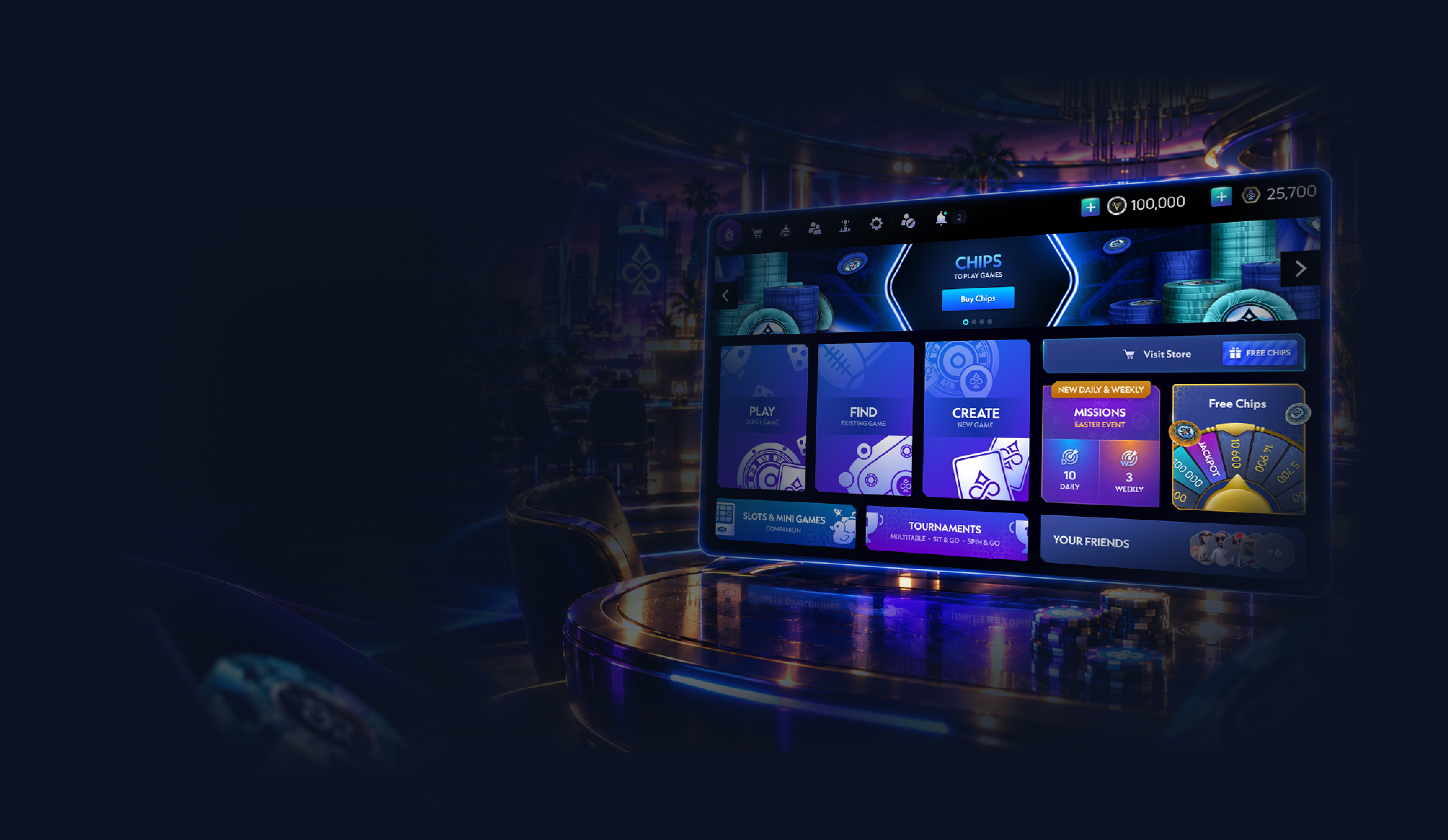
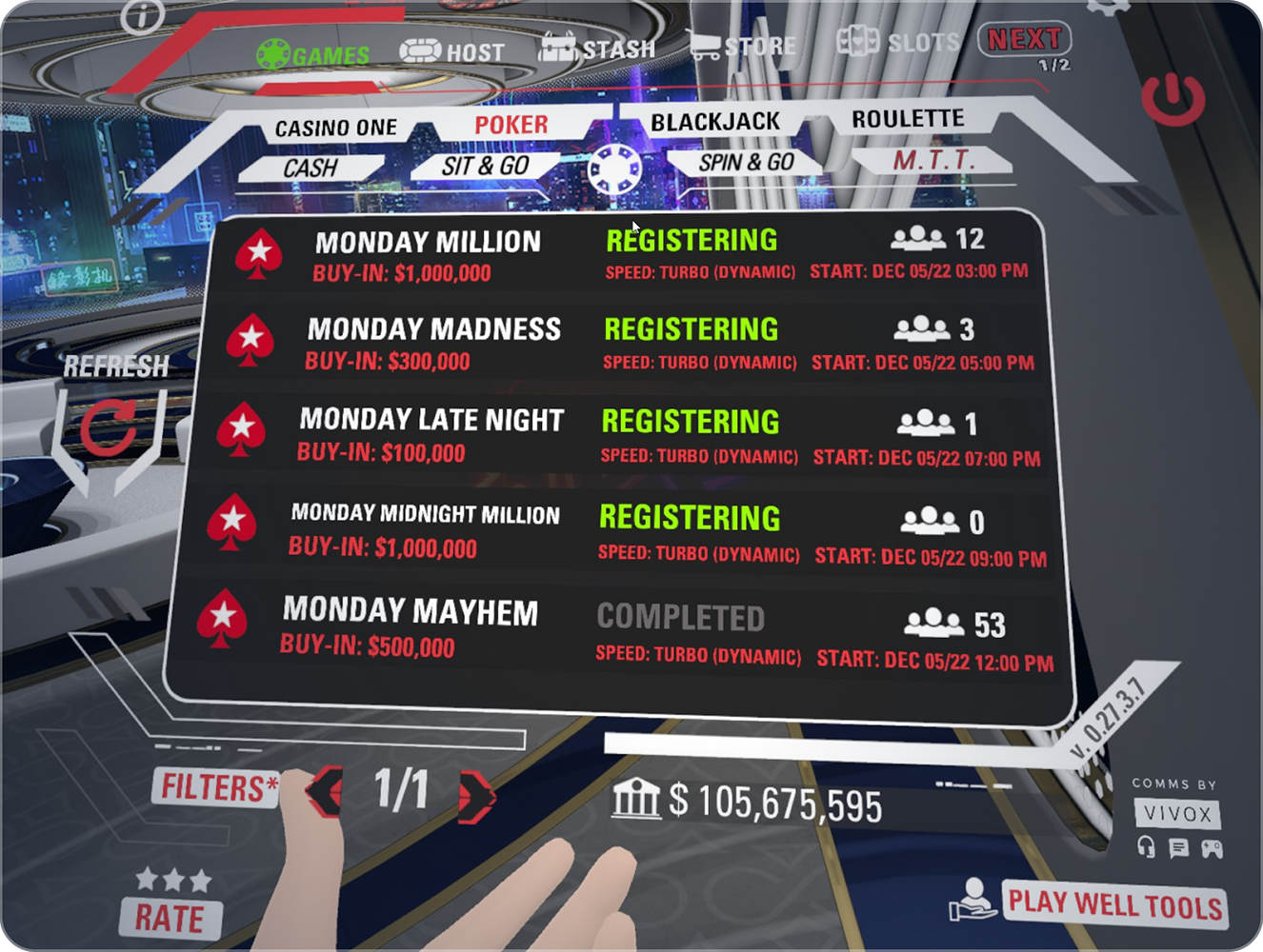
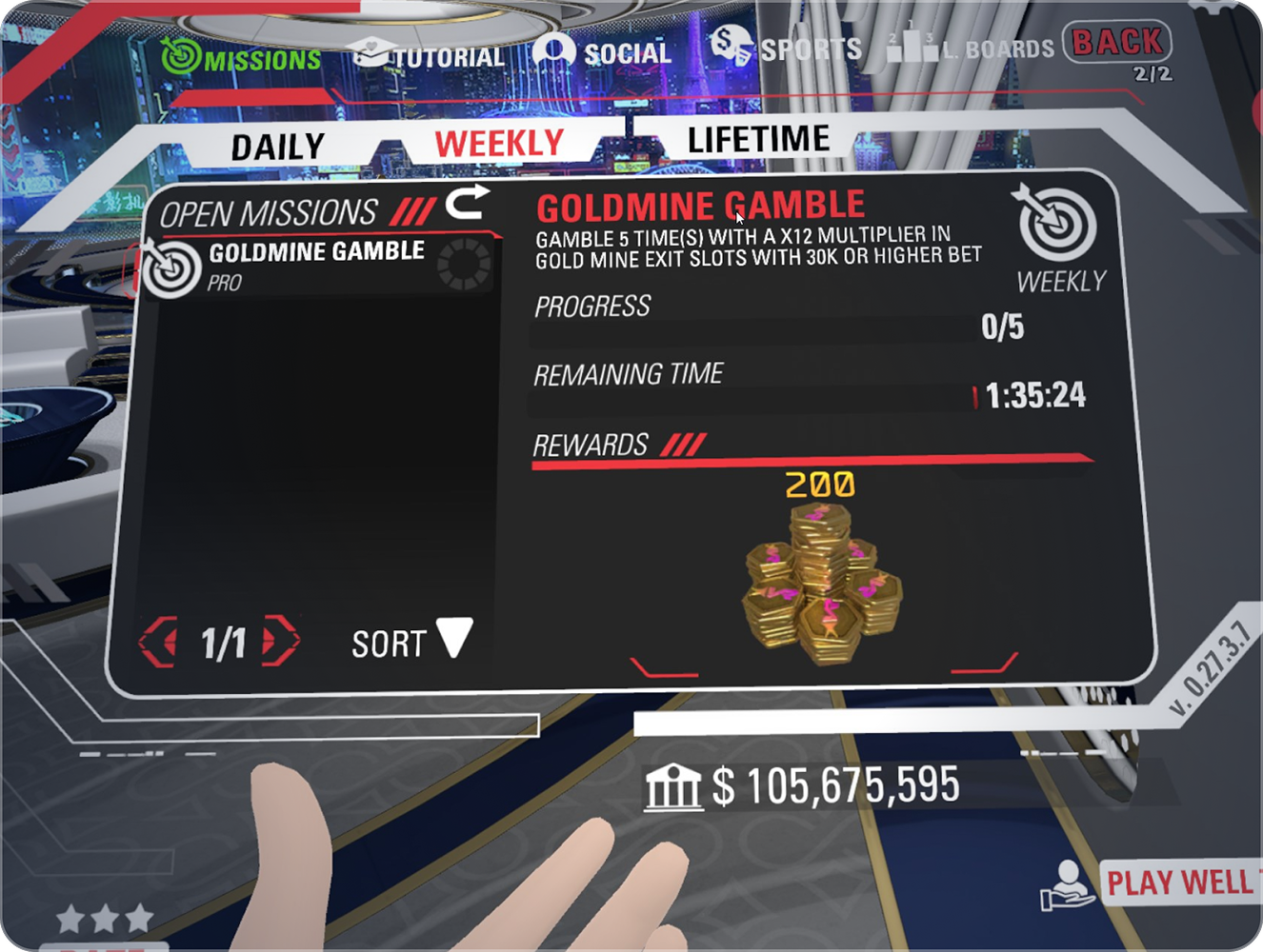
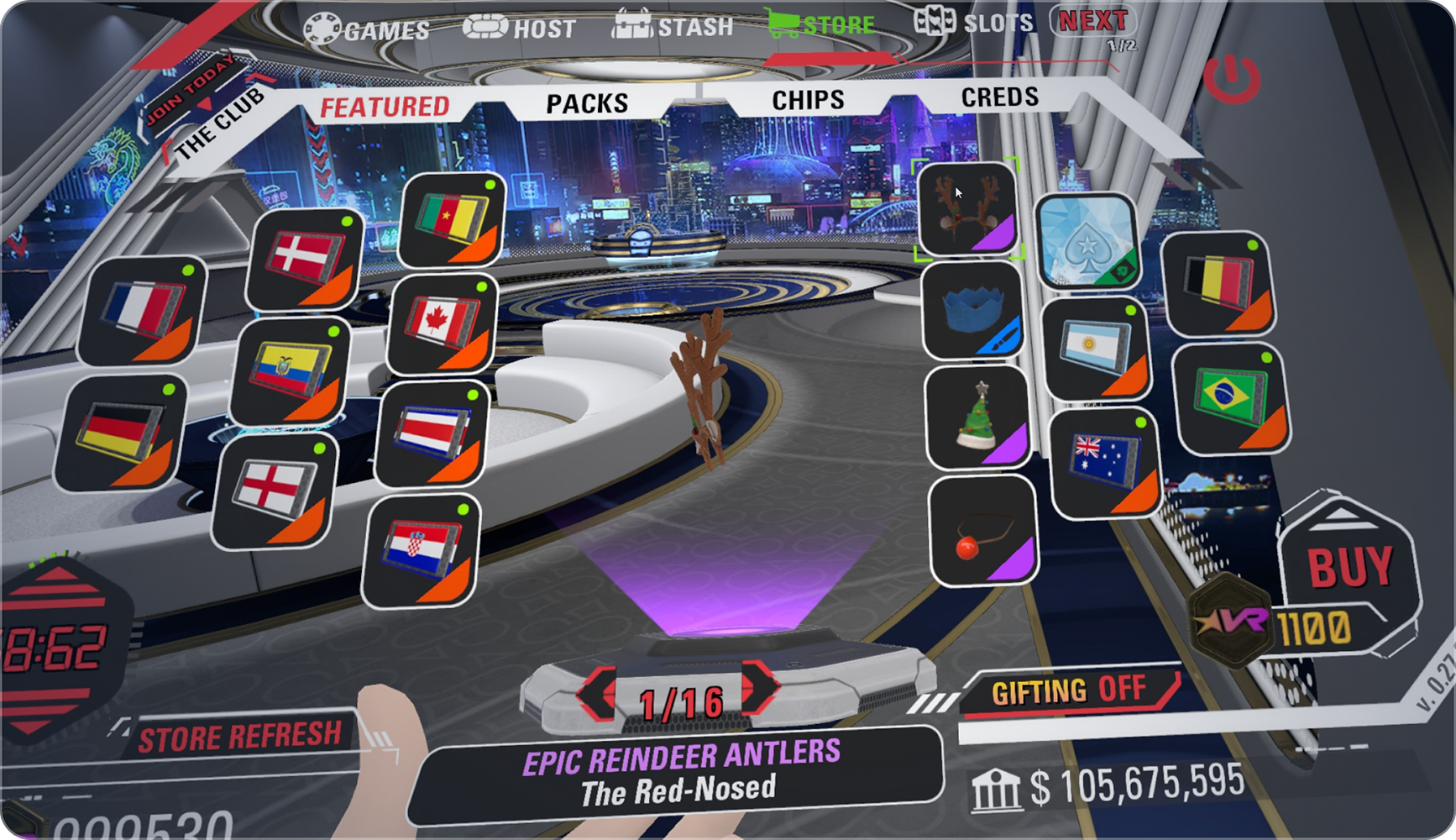
The original Watch was designed for a VR-only product. As Vegas Infinite grew, new features were added over time, making the navigation increasingly complex and harder to scale. With more features planned — and new platforms on the way — the existing structure could no longer support where the product was heading.
2 / RETHINKING THE STRUCTURE
Rebuilding The Watch From The Ground Up
Rather than extending the existing menu, I redesigned its structure from scratch — rethinking how features were grouped, how users moved between them, and how the interface could grow over time. The goal was not just a new UI, but a clearer foundation for the whole product.
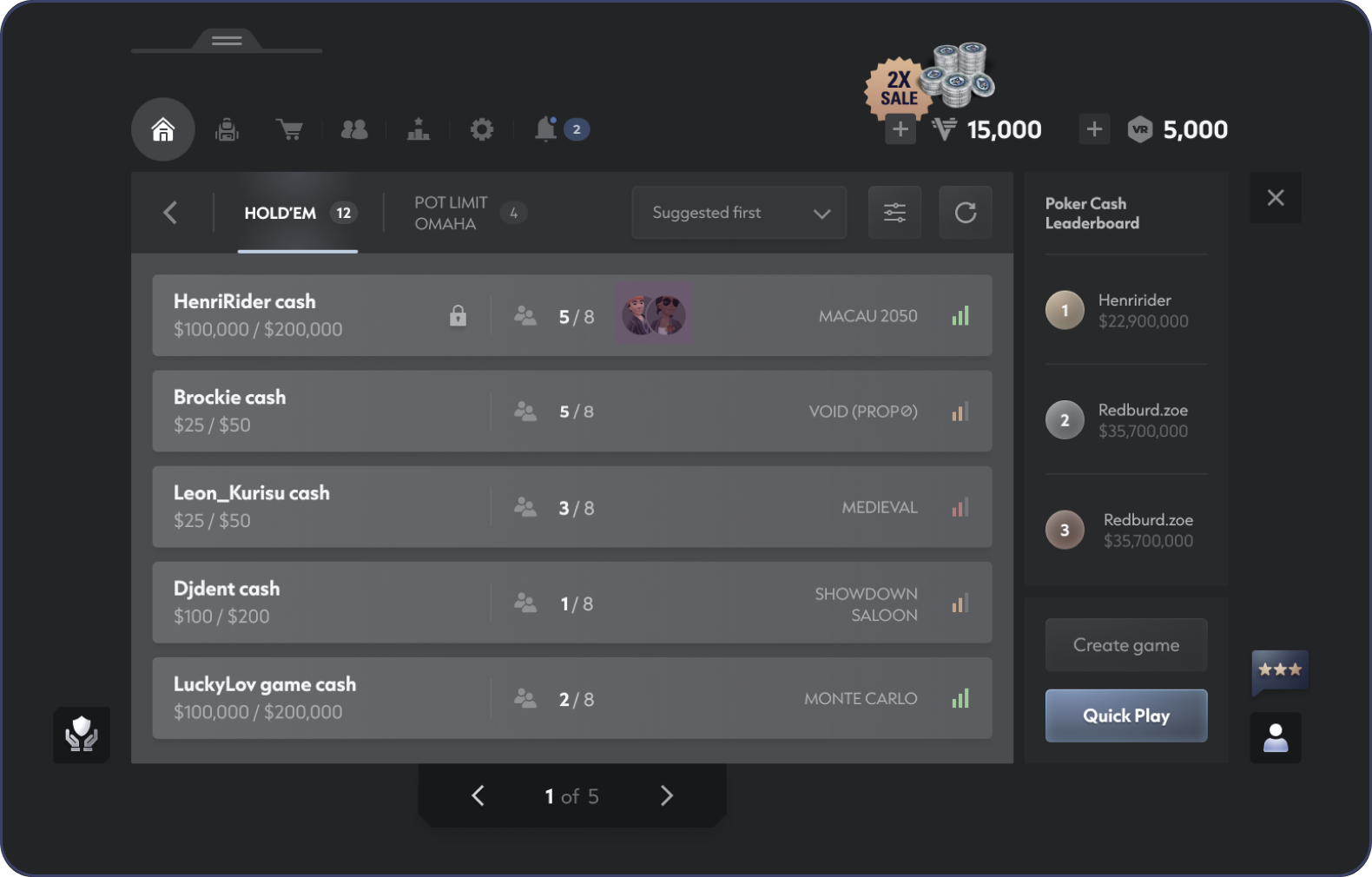
Simplified navigation
Reduced the number of layers needed to move between core areas.
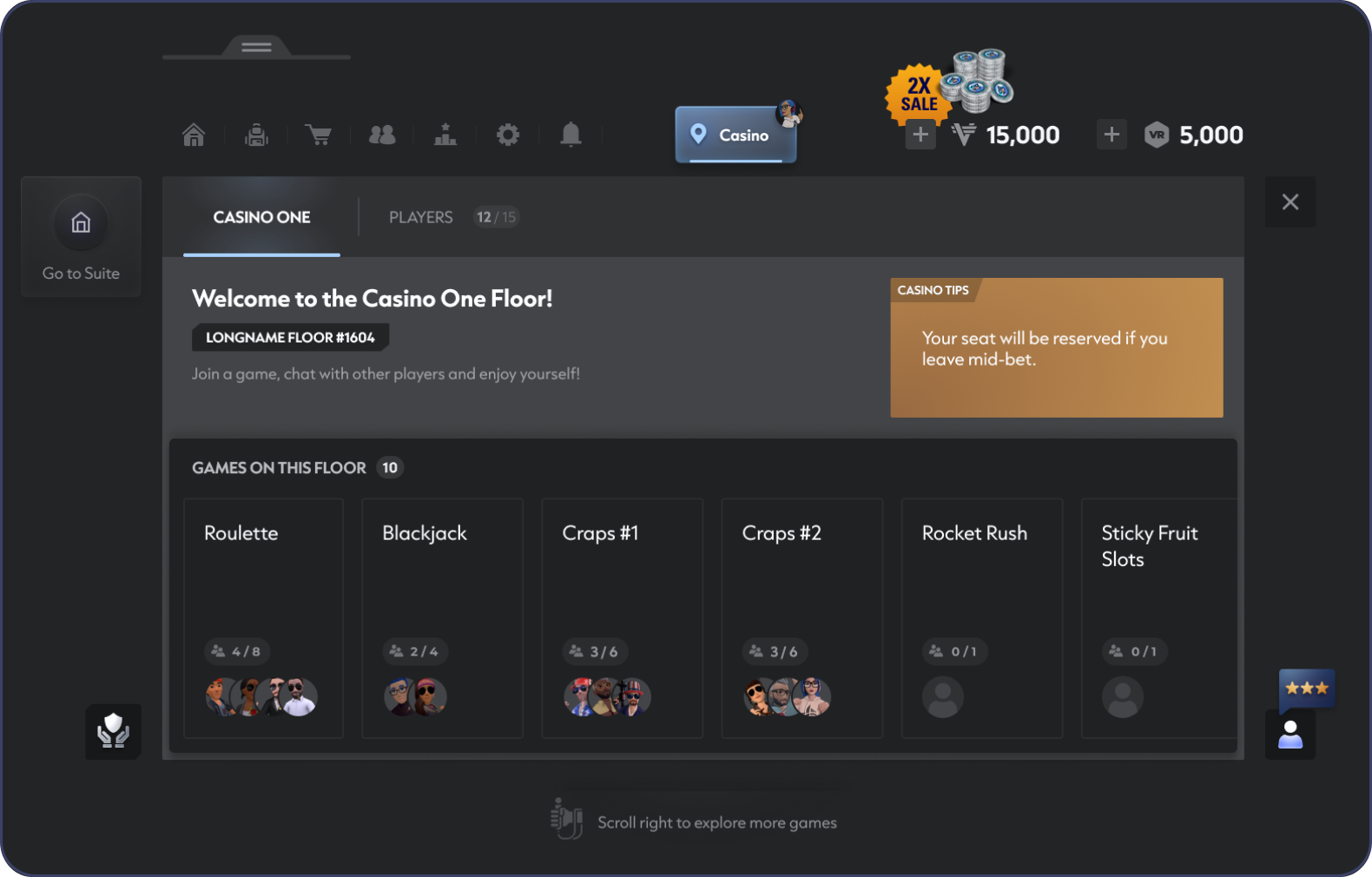
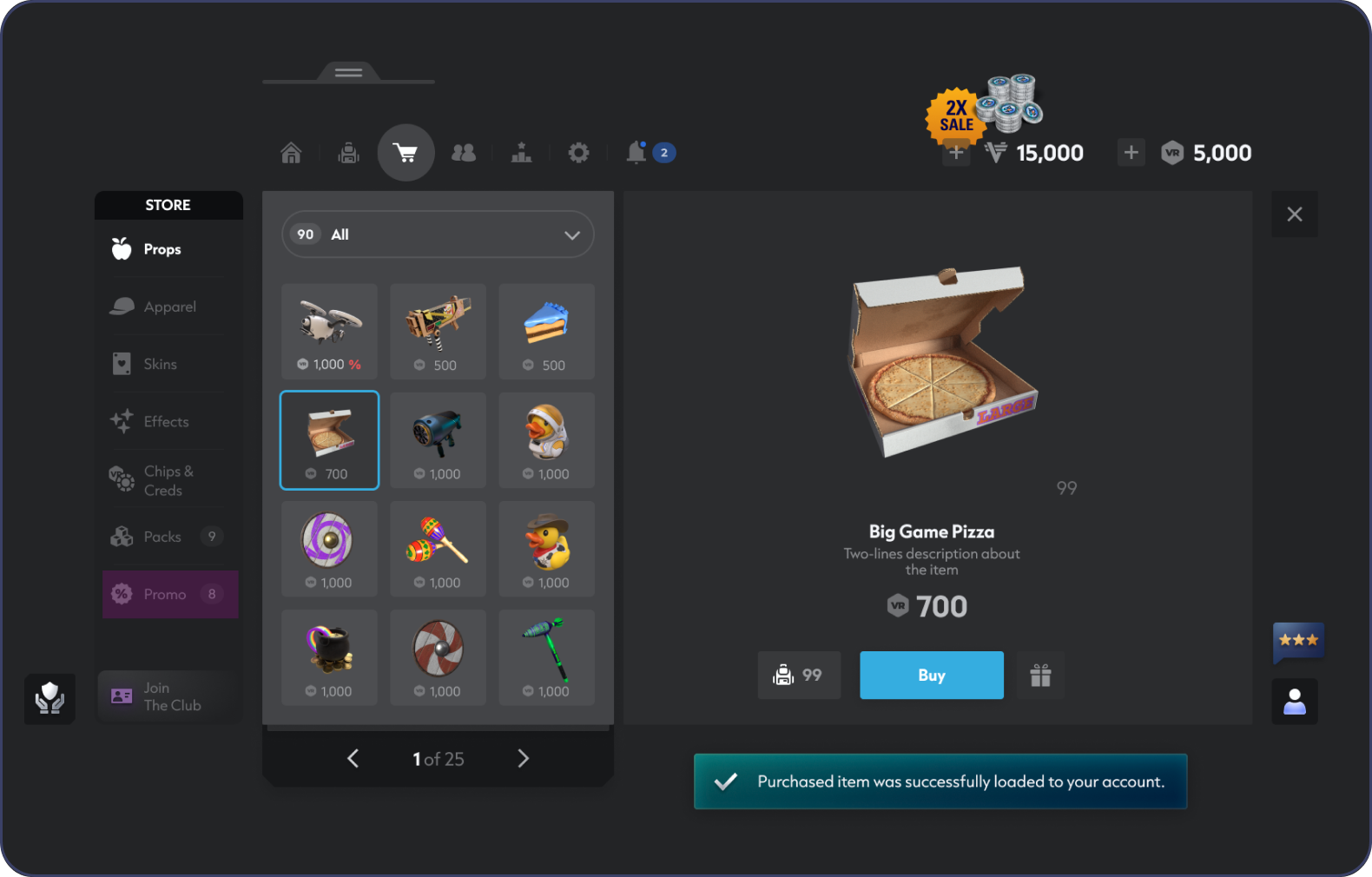
Designed for expansion
The new structure allowed features to be added without extending the primary navigation.
3 / DEFINING THE VISUAL LANGUAGE
Shaping A New UI Direction
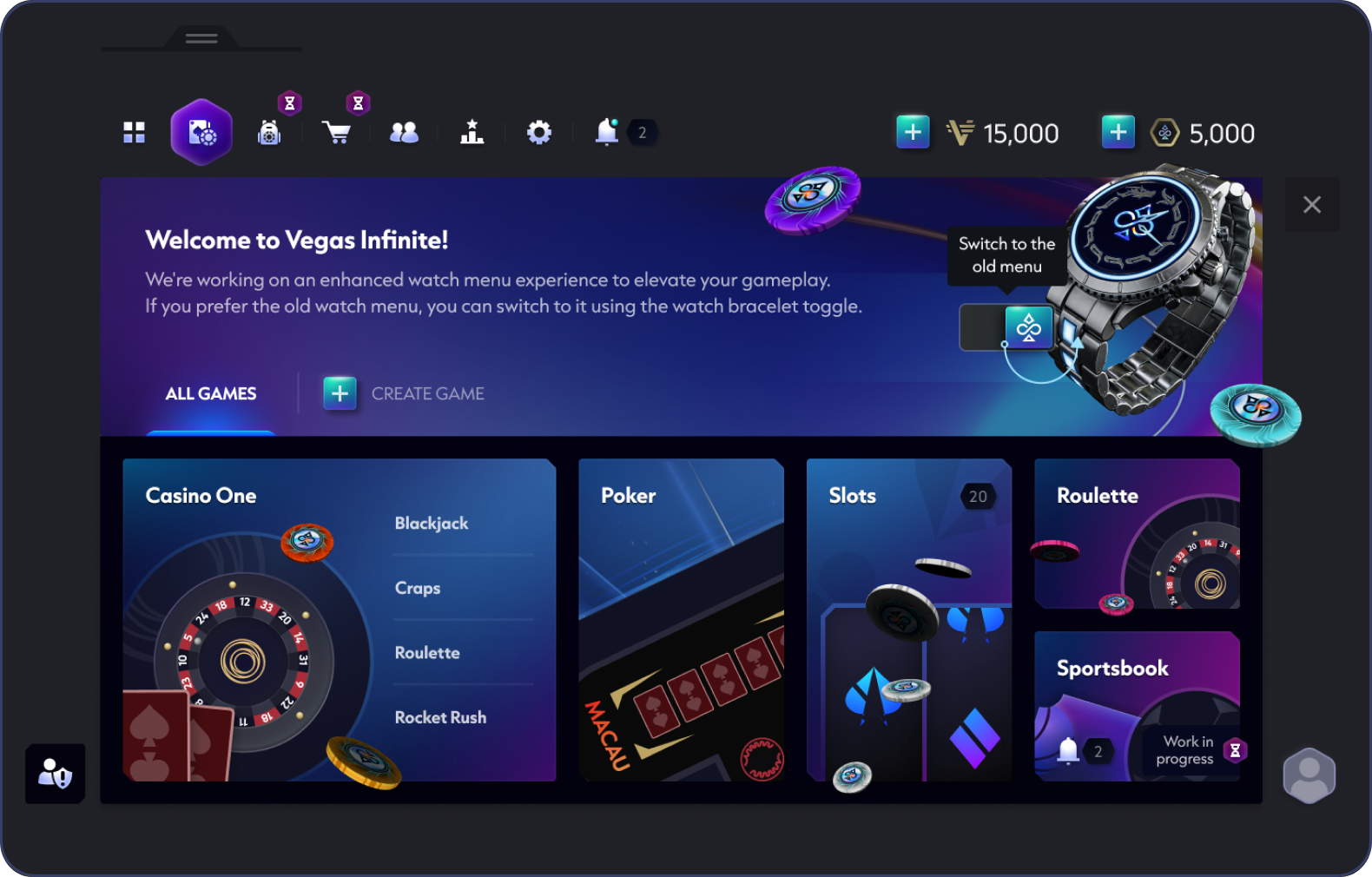
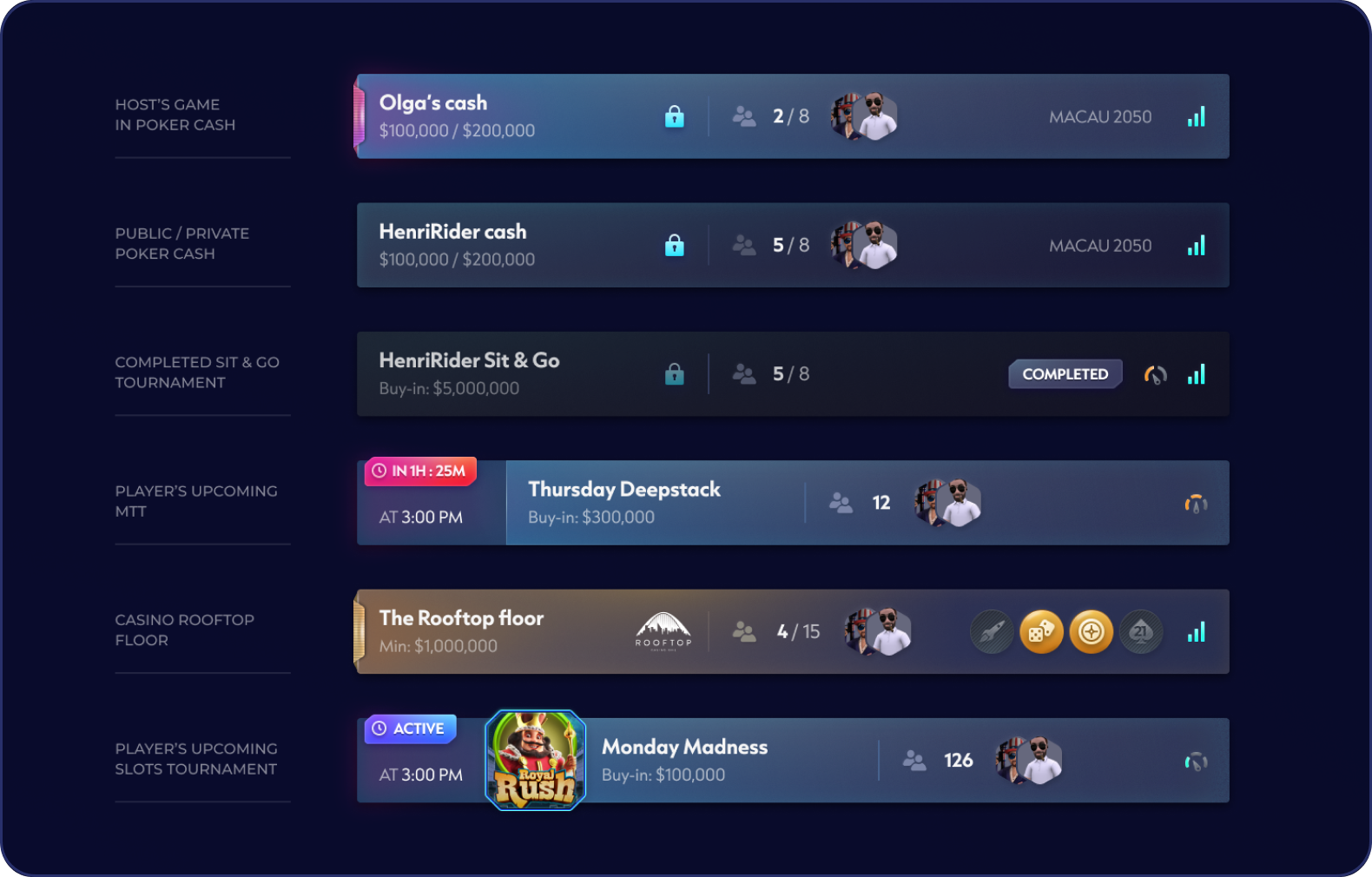
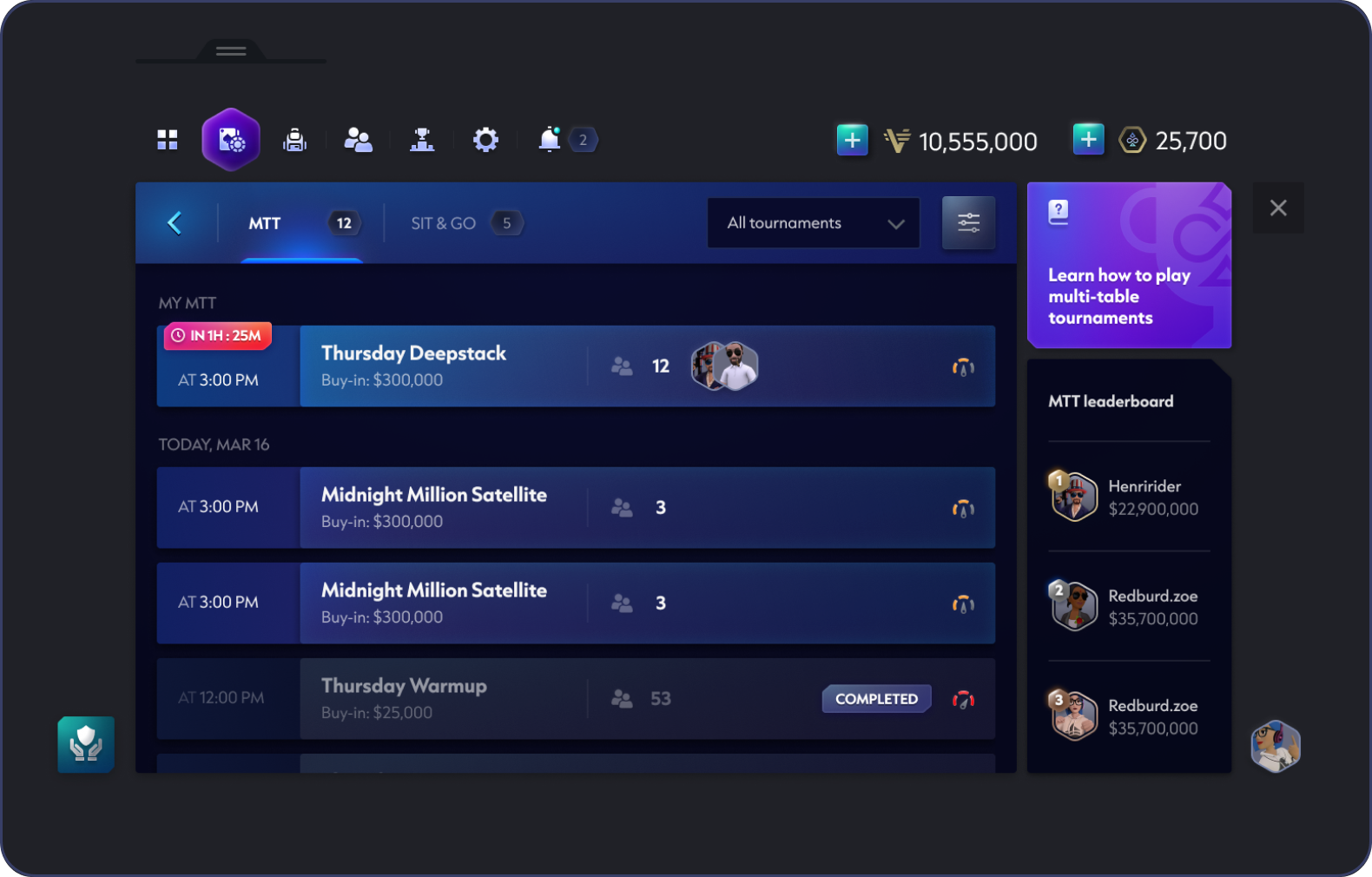
With the new structure in place, I worked closely with stakeholders and the Head of Art to define the visual direction for the redesigned Watch and the broader game UI. We explored how the interface could feel more modern and cohesive while still fitting naturally into the Vegas Infinite world.
A shared visual language
The Watch became the foundation for a more consistent UI direction across the product.
4 / BUILDING A SCALABLE SYSTEM
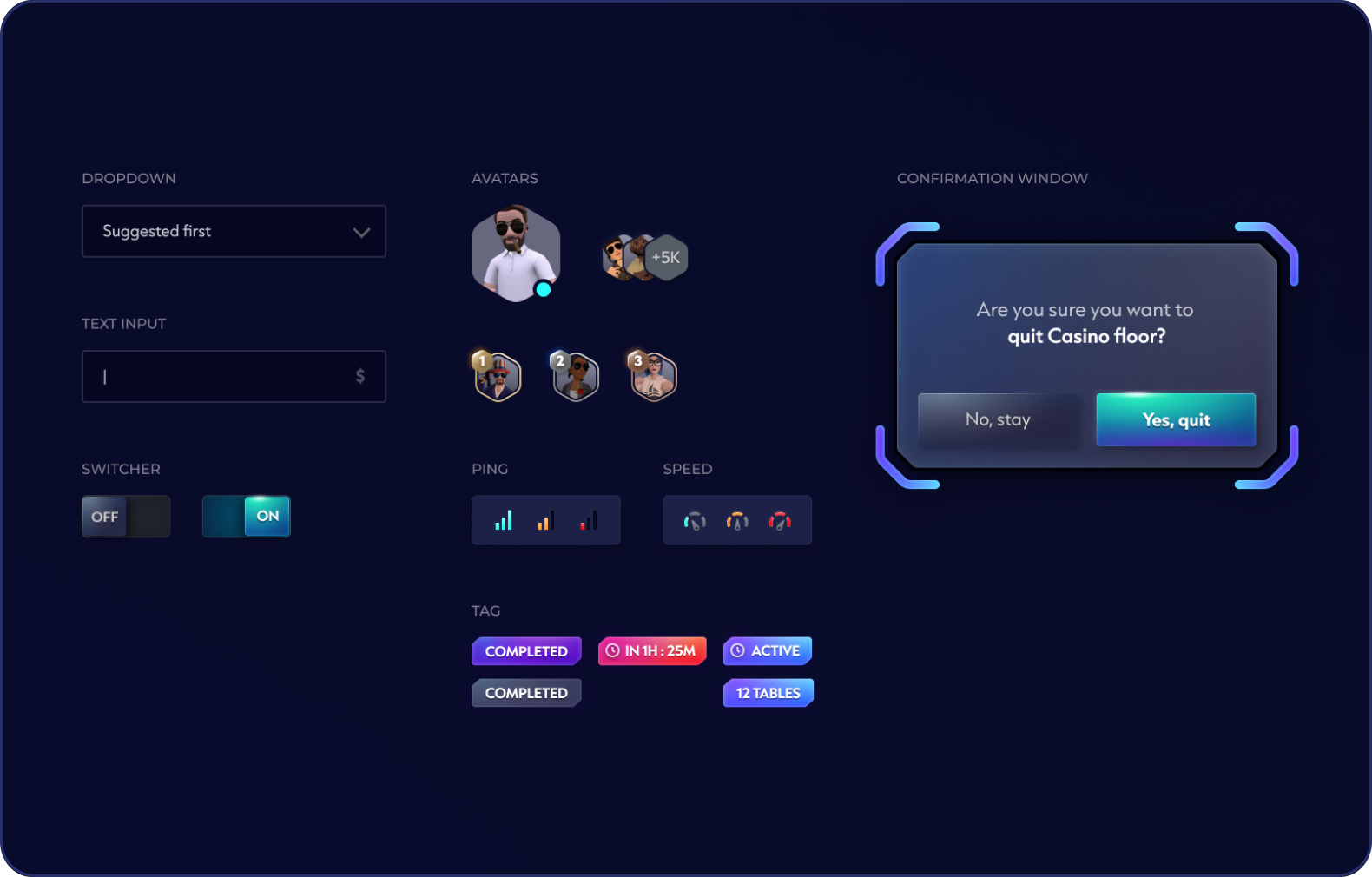
Turning The Visual Language Into Reusable UI
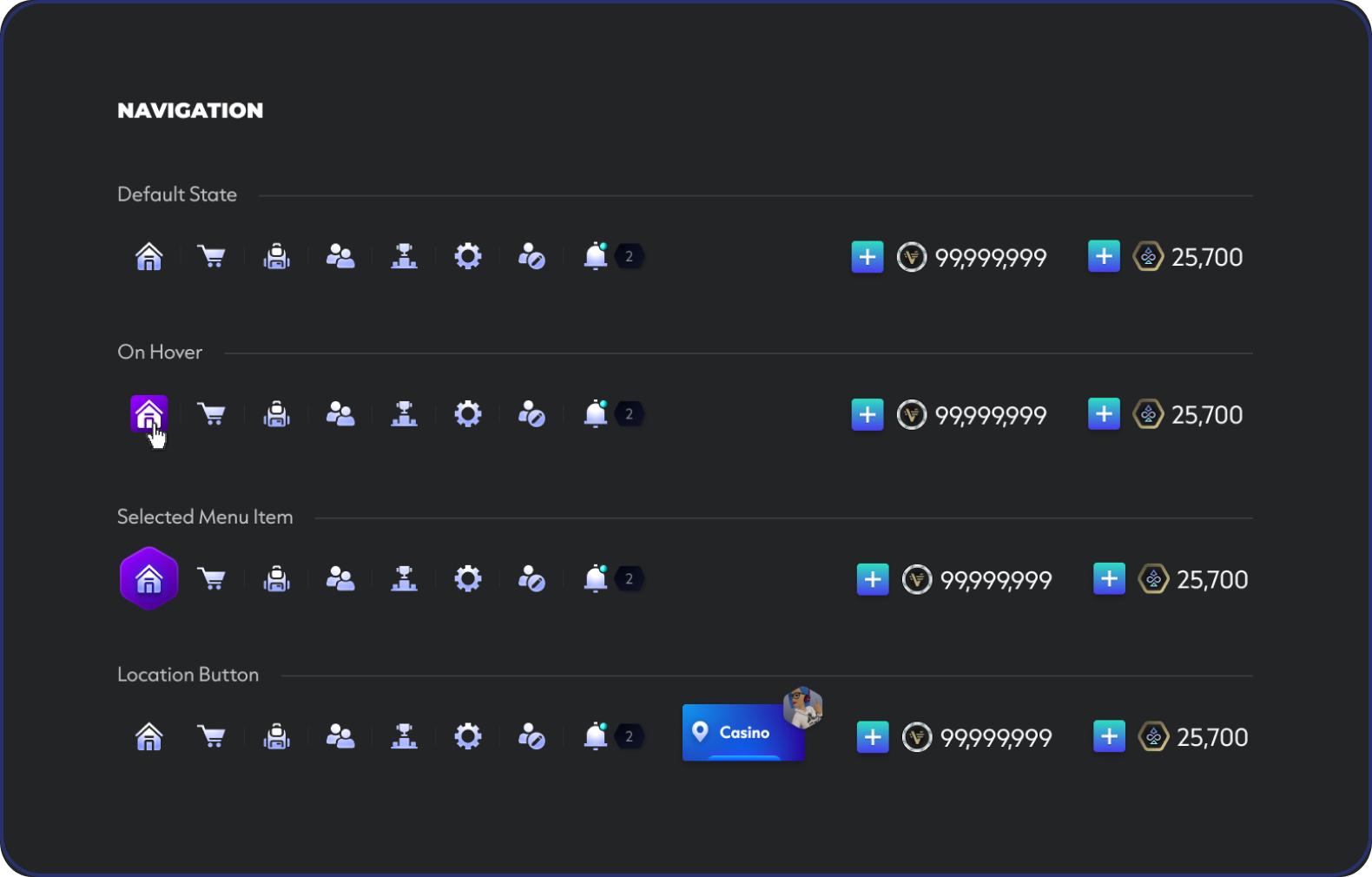
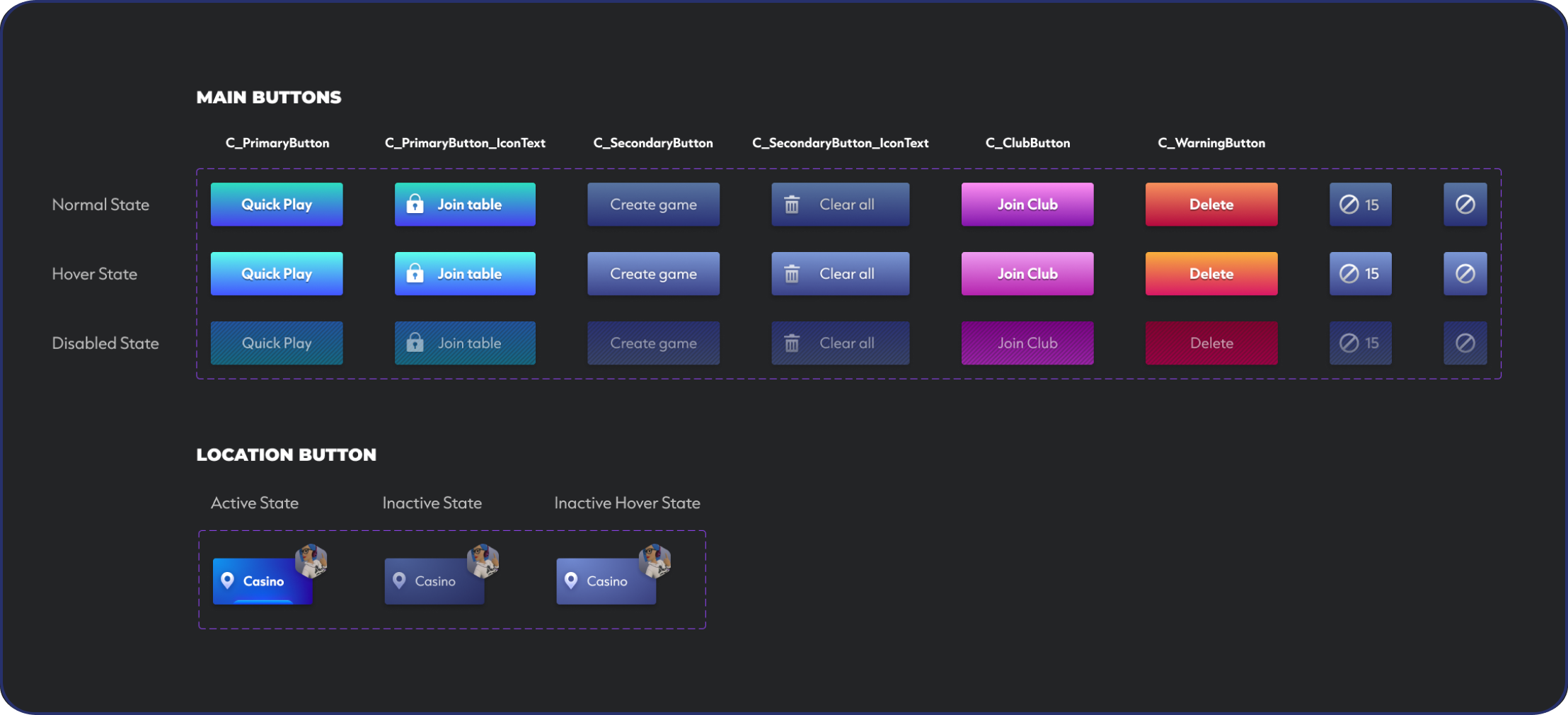
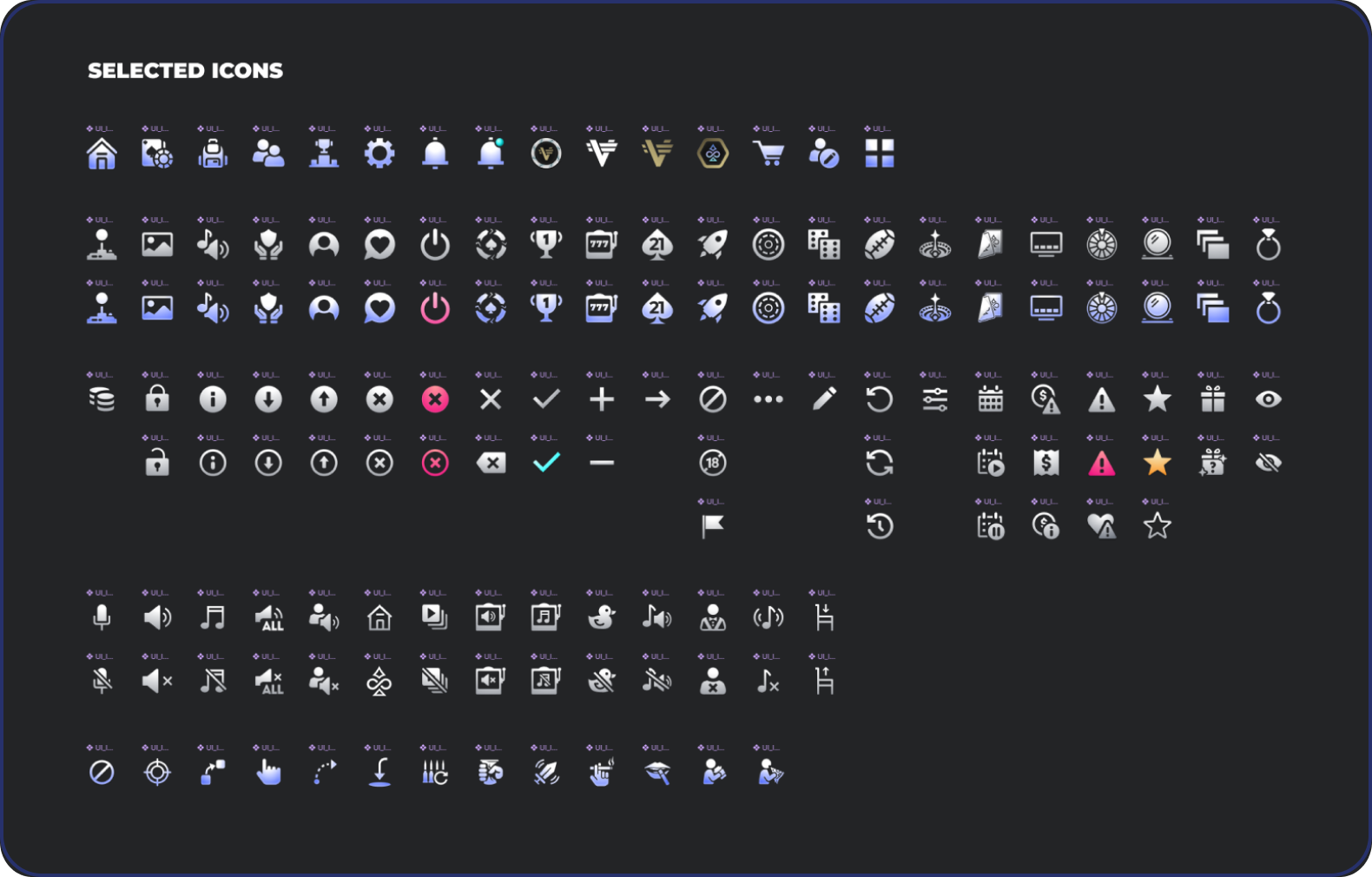
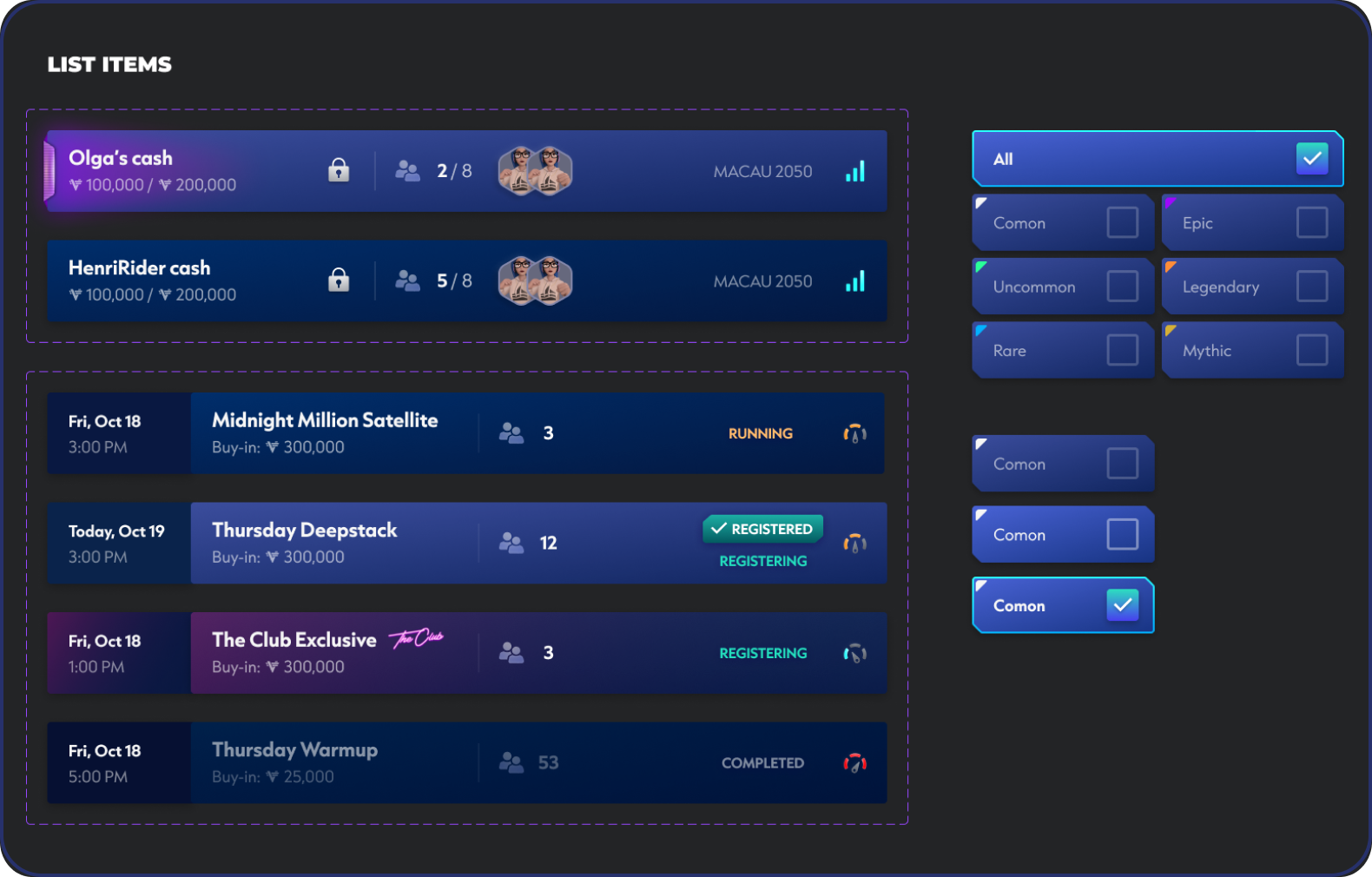
Once the core structure was defined, I translated it into a reusable UI system that could support a growing number of features without rebuilding the interface each time. Shared patterns for navigation, cards, controls and states created a consistent foundation across the Watch.
5 / DESIGNING ACROSS PLATFORMS
One System, Different Ways To Interact
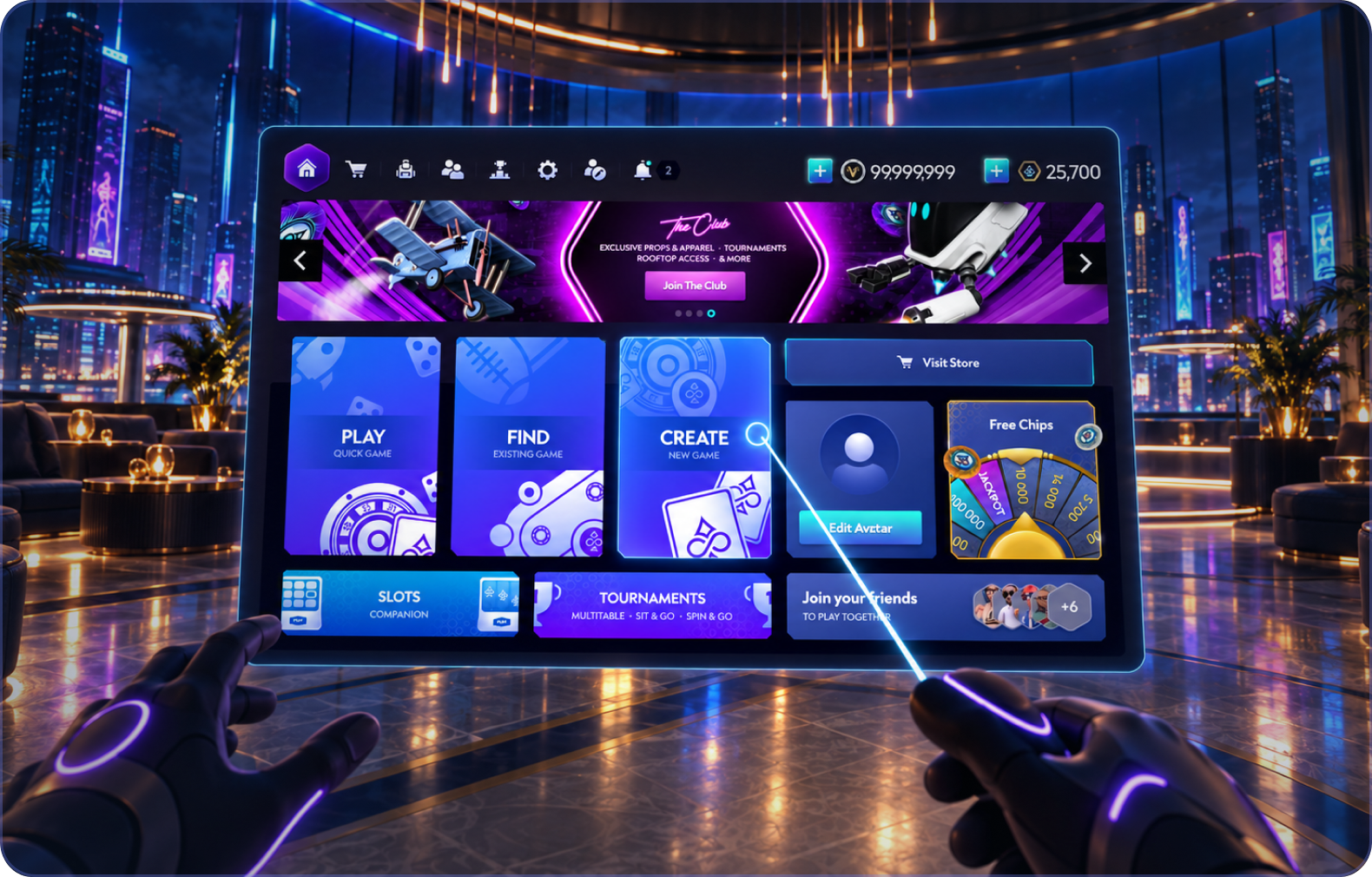
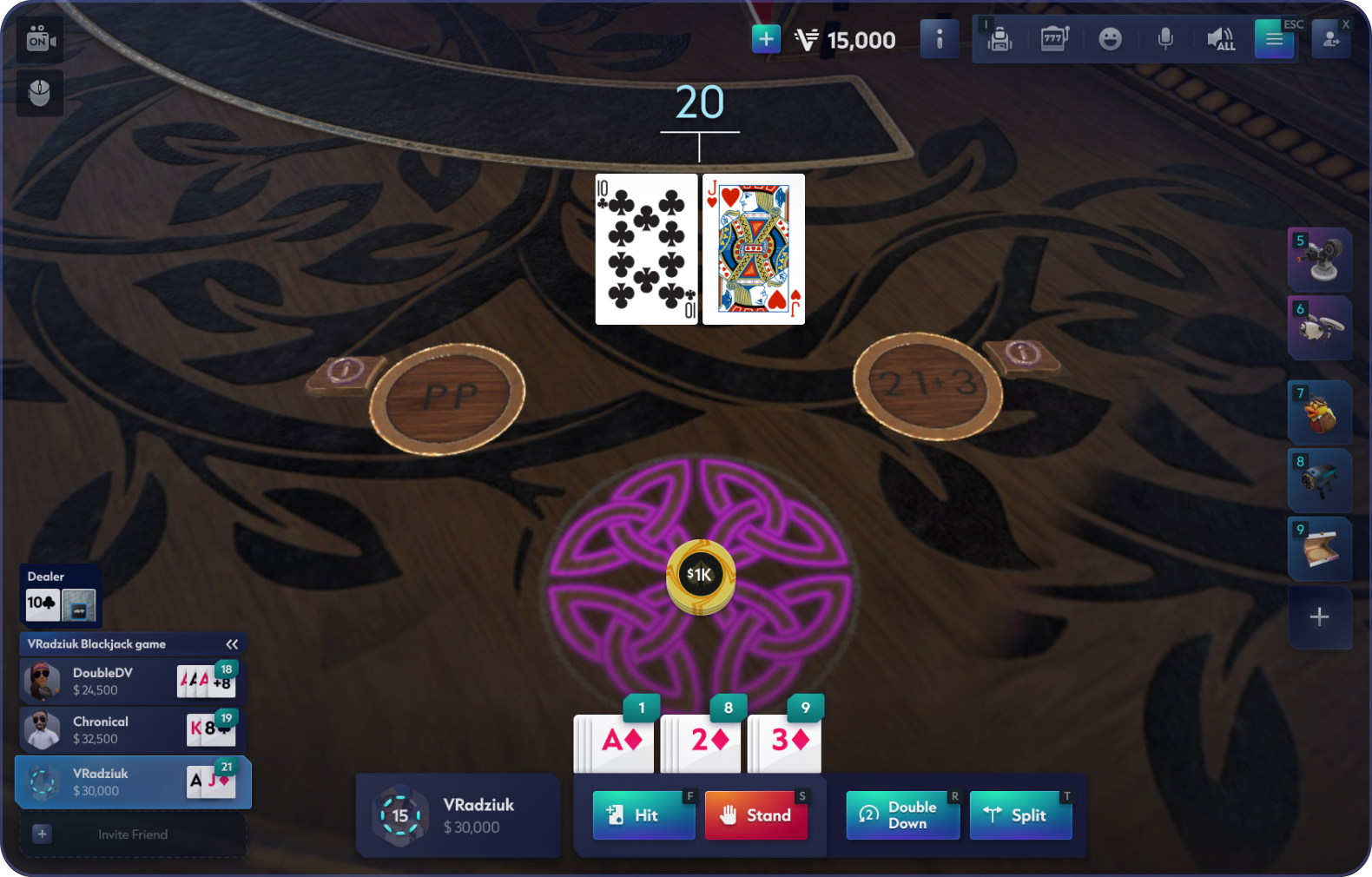
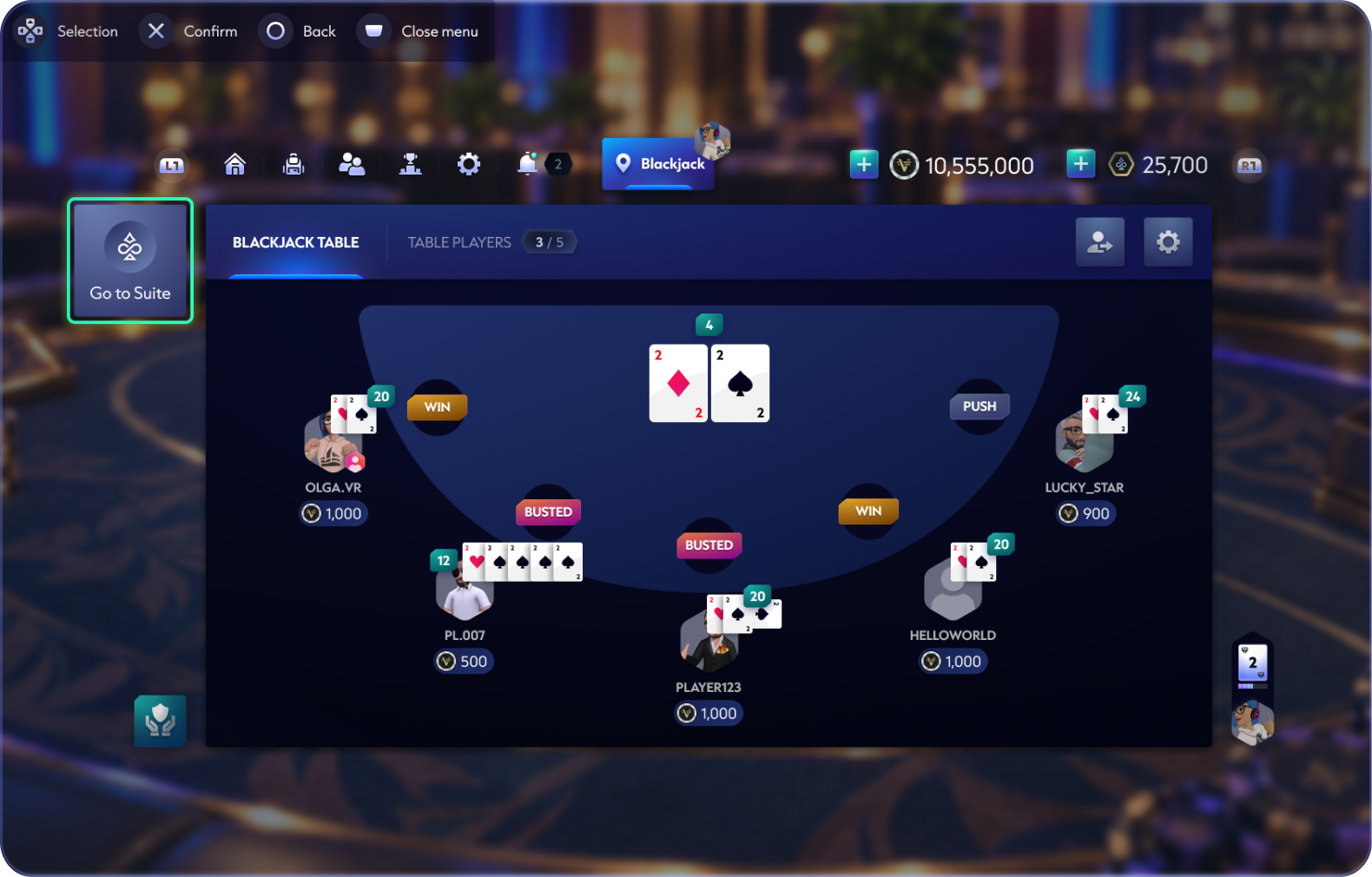
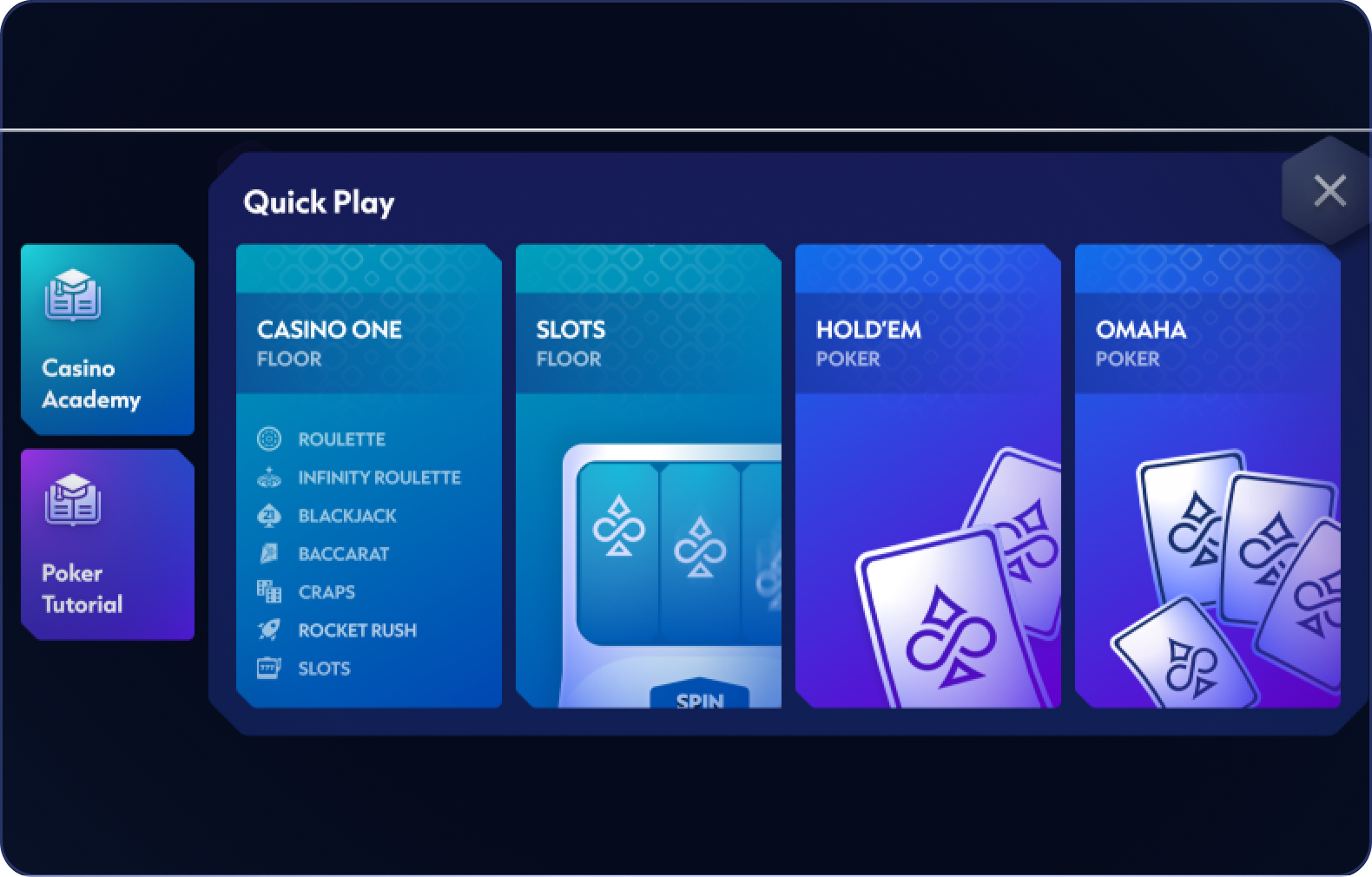
As Vegas Infinite expanded beyond VR, I adapted both the Watch and in-game UI for different platforms and input methods — from motion controls to gamepad navigation, mouse and keyboard, and touch.
VR — Motion Controls
Designed around direct VR interaction.
PC — Mouse & Keyboard
Adapted for desktop navigation and input.
PS5 — Controller
Focus states and navigation adapted for gamepad input.
Mobile — Touch
Controls reorganized for direct touch interaction.
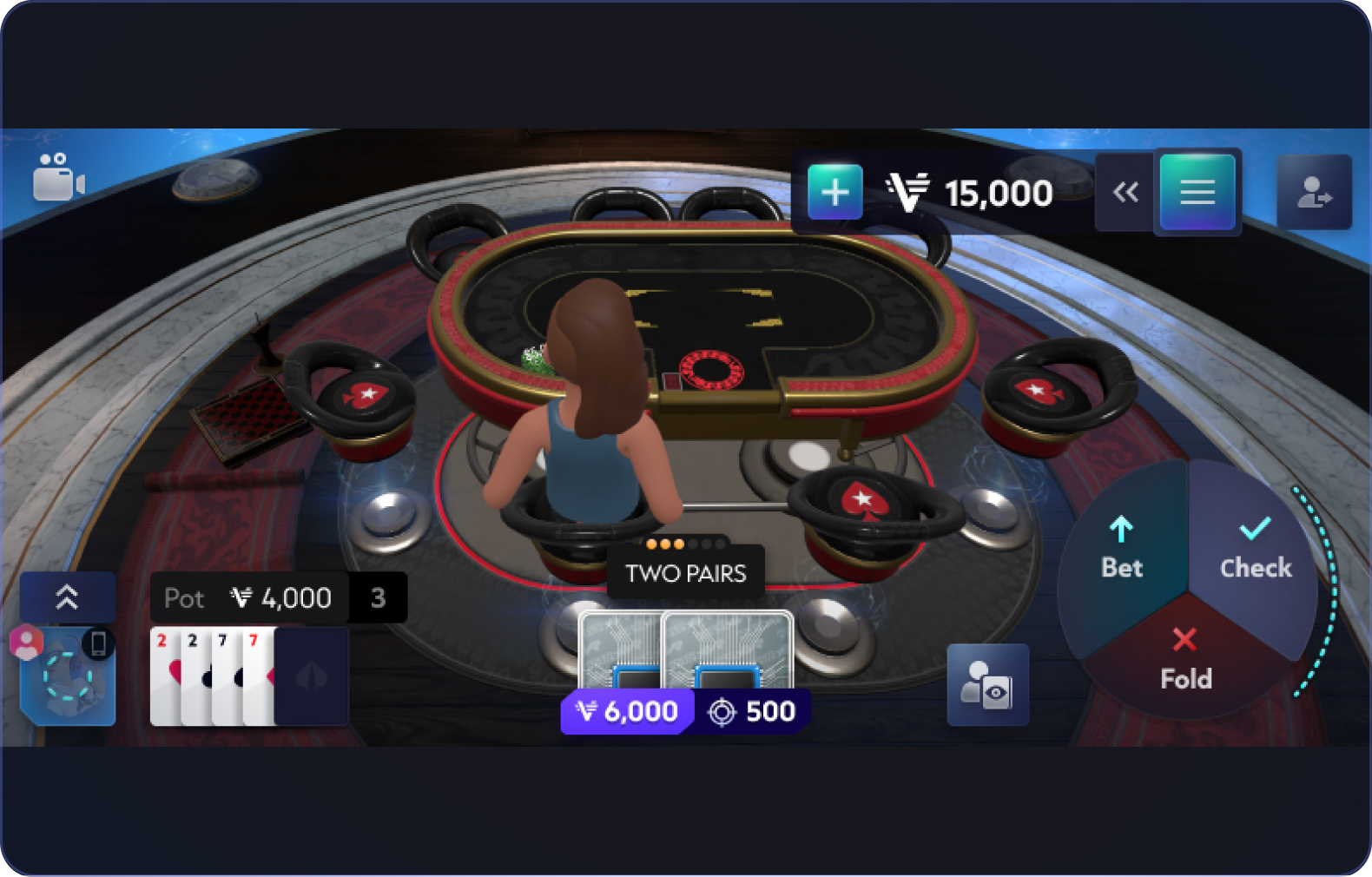
Mobile — Poker
Complex gameplay adapted to a smaller touch interface.
6 / GROWING WITH THE PRODUCT
A Foundation For What Came Next
As existing features moved into the new Watch, the system continued to evolve with the product. New experiences could be added within the established structure without introducing another layer of navigation complexity.
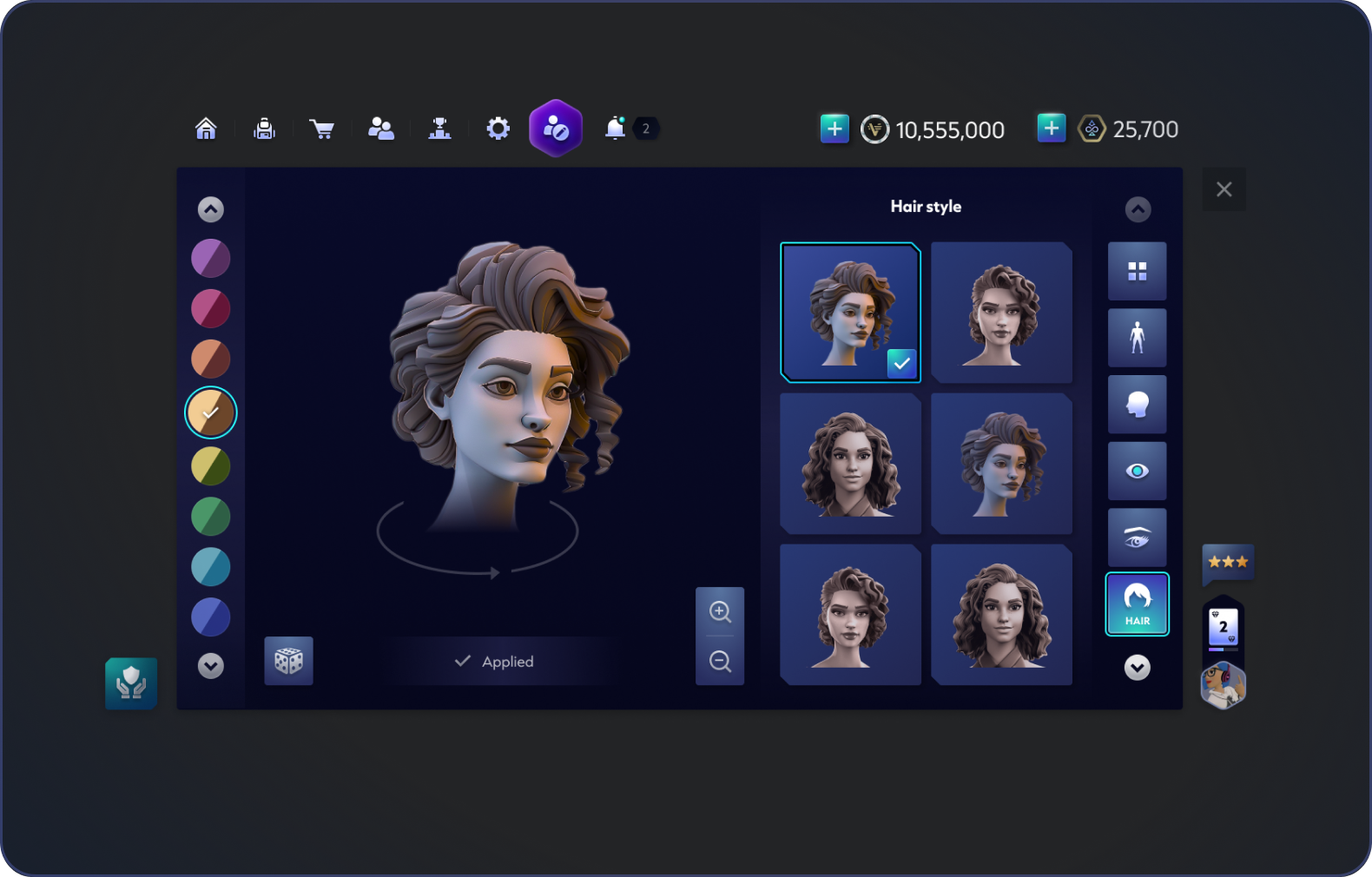
Avatar Customization
Expanding player identity and personalization.
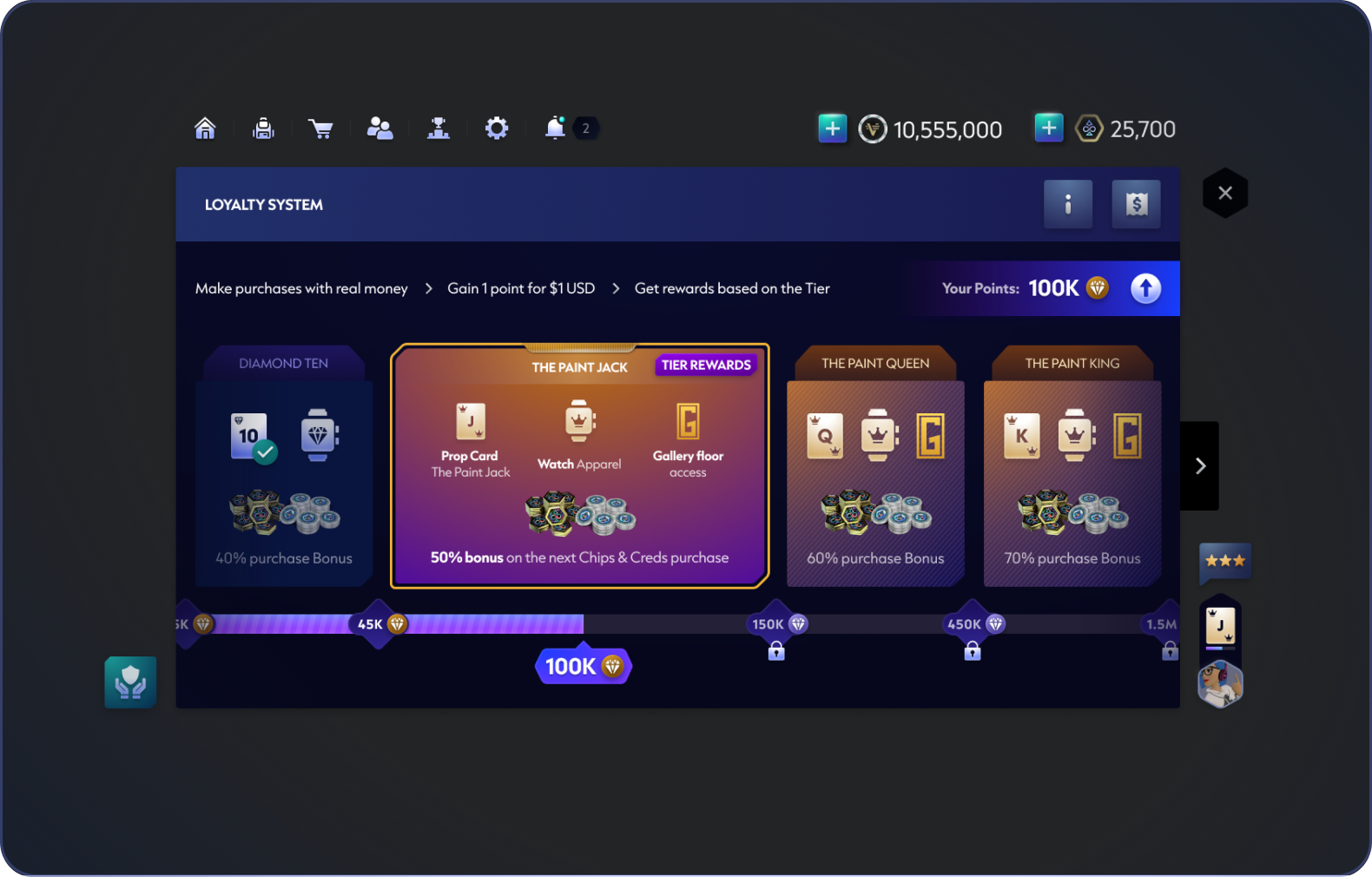
Loyalty System
Adding progression and rewards within the same structure.
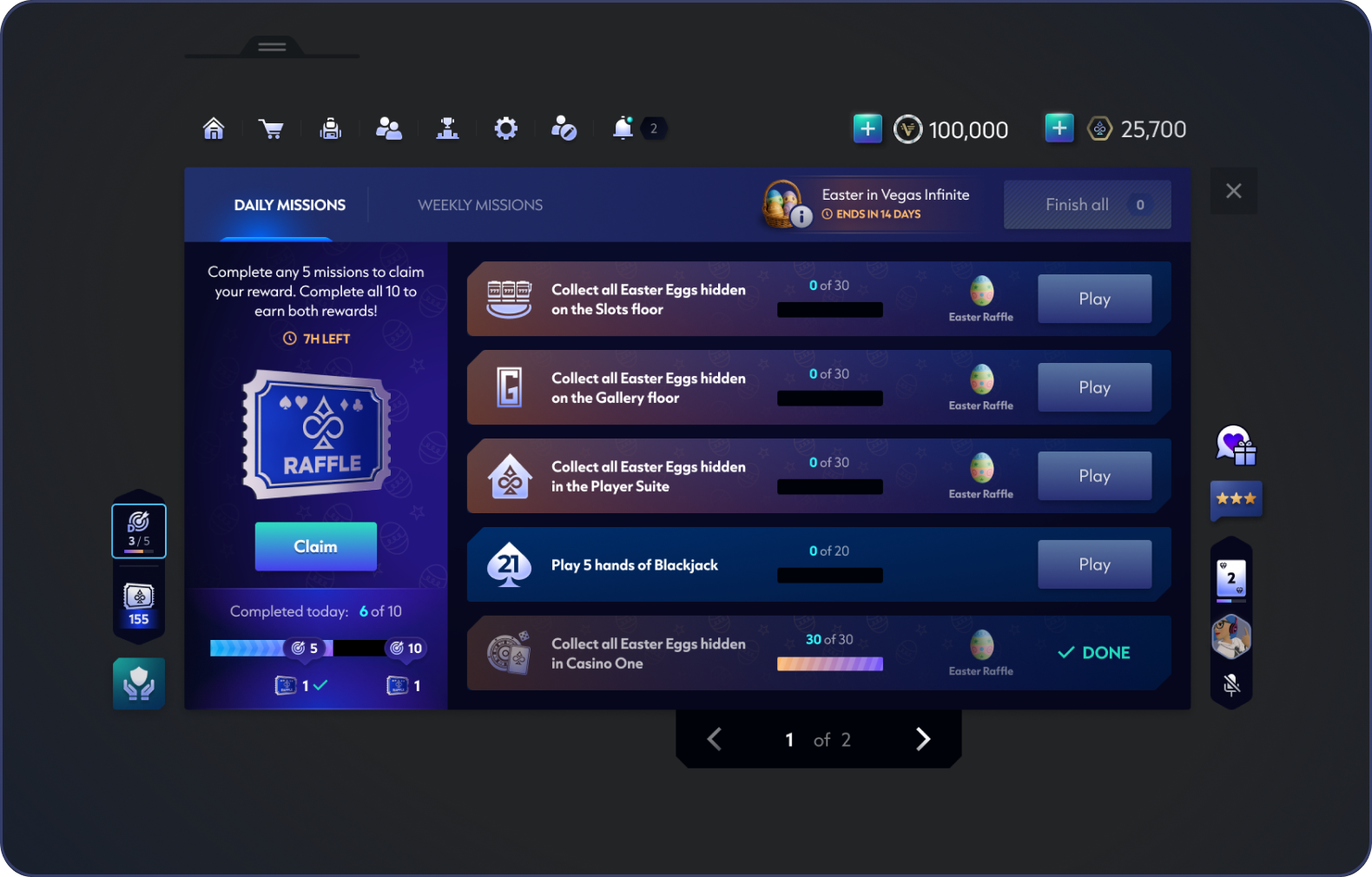
Missions
Bringing progression and live content into the Watch.
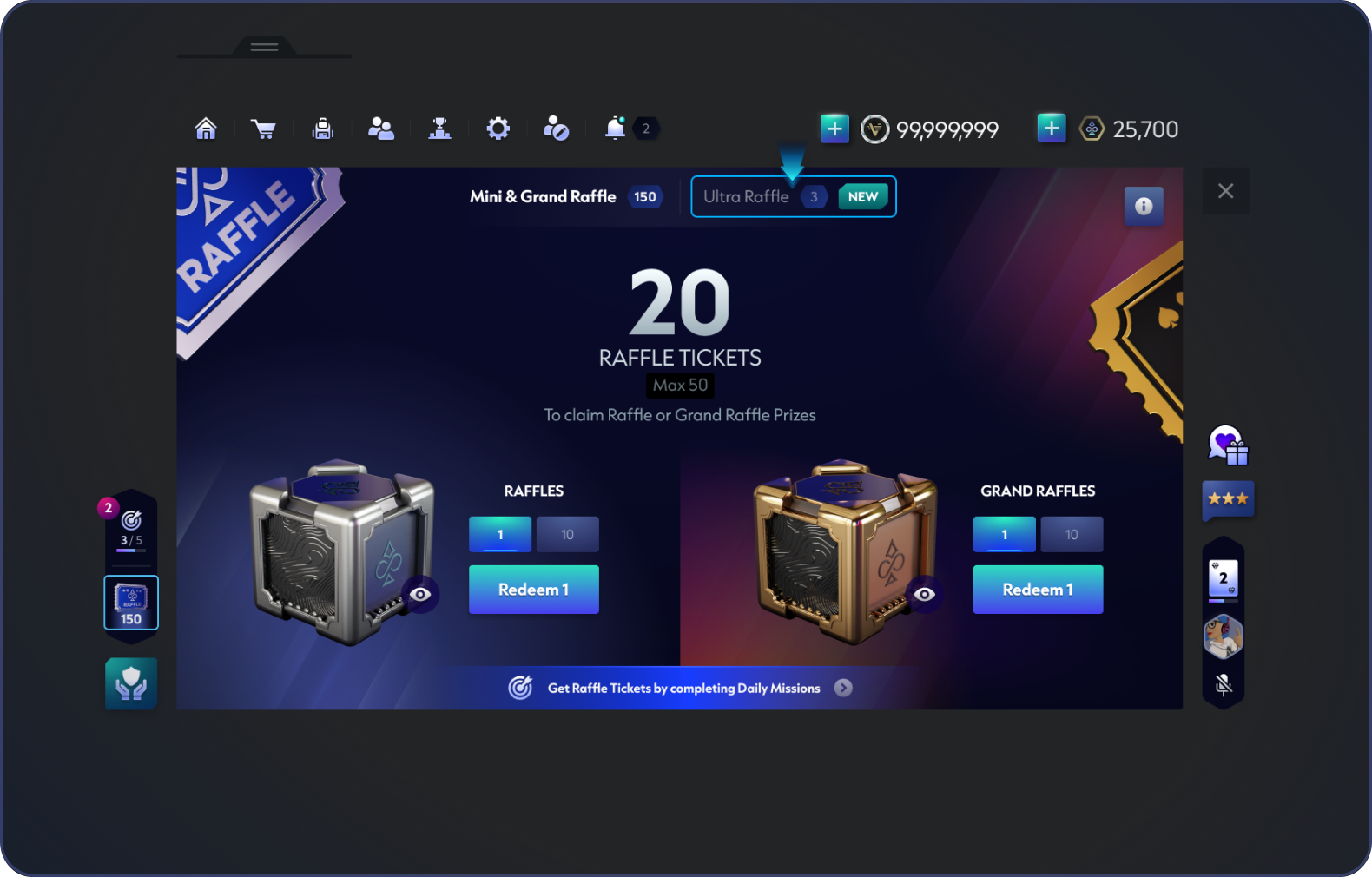
Raffles
Supporting new event and reward experiences.
7 / THE RESULT
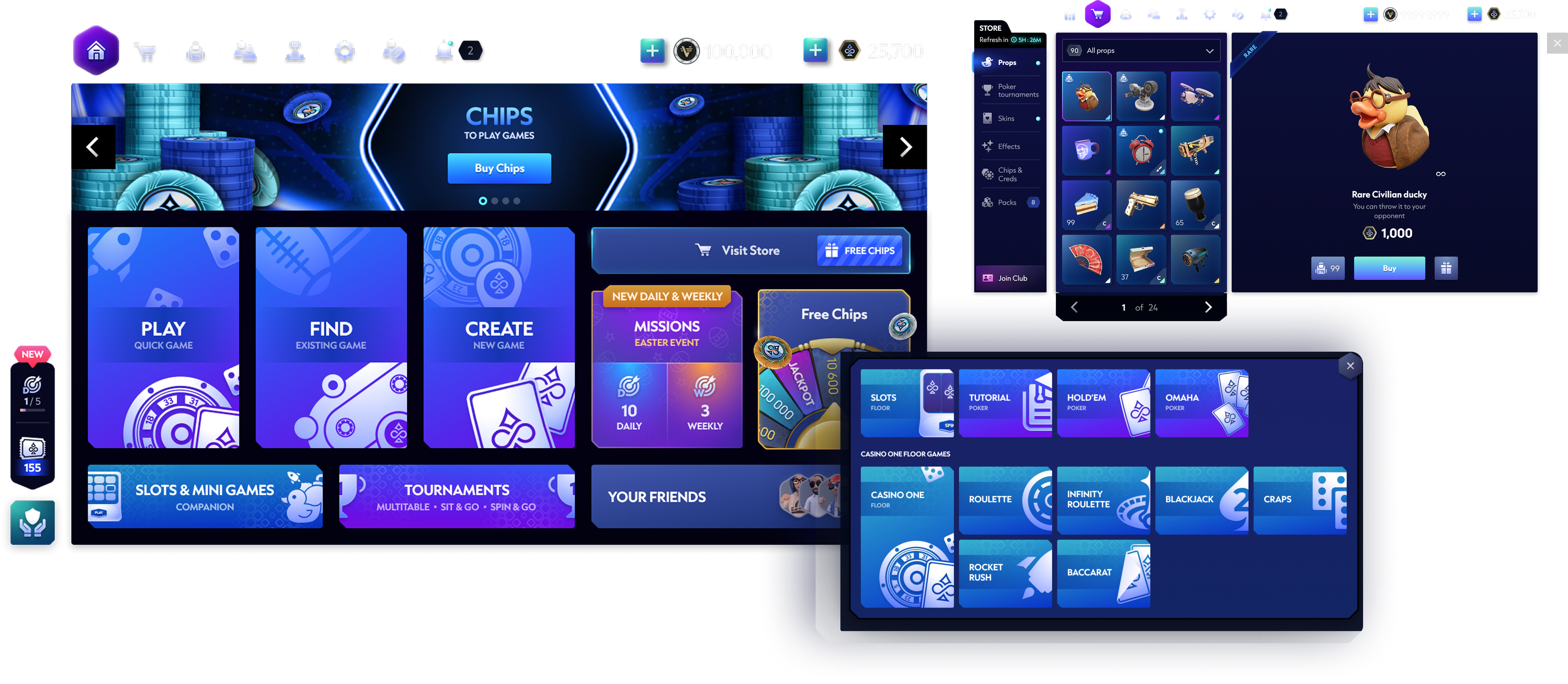
The New Watch
The new Watch replaced the legacy menu and became the shared foundation for navigation and feature growth across Vegas Infinite.
WATCH UI